Animation QA — The Testing Nobody Runs (But Should)
Animation and video assets ship with bugs. Frame drops, audio sync, color shifts. The most visible bugs possible. Here's how to QA video and animation before launch — frame accuracy, audio, color, and cross-device playback.
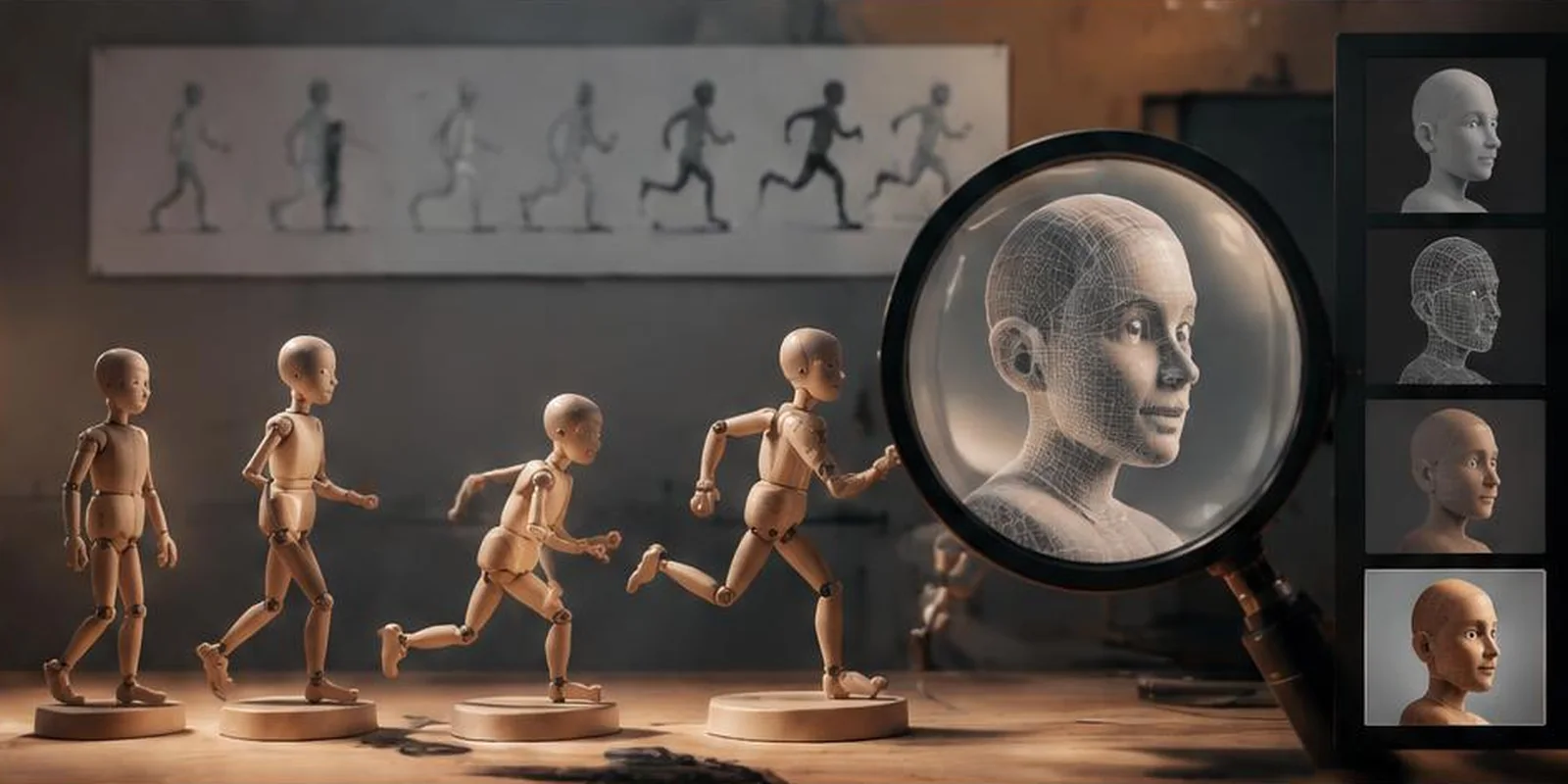
Code gets tested. Designs get reviewed. Video and animation? Usually launched on faith.
That's a mistake. Animation and video bugs are the most visible kind — users notice them immediately, and they damage brand perception fast.
Here's the animation QA process we use at QA Labs.
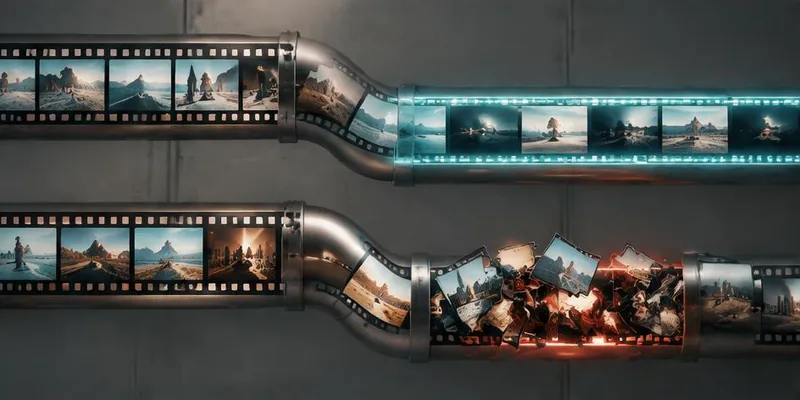
Common animation bugs we catch
- Frame drops at specific devices
- Audio desync after certain transitions
- Color shifts between browsers
- Text rendered incorrectly on mobile
- Wrong export format for social platforms
- Captions out of sync
- Choppy playback on low-bandwidth
- Wrong aspect ratio on some platforms
- Missing frames in high-motion scenes
Testing checklist
Frame accuracy
- Verify every frame renders
- Check motion smoothness (no jumps)
- Validate frame rates match source
- Check for rendering artifacts
Tools: FFmpeg, DaVinci Resolve, custom scripts.
Audio sync
- Voiceover aligned with animation
- Music synced to cues
- Sound effects timed correctly
- No drift over long durations
Tools: Waveform analysis, hand-sync check on long content.
Color accuracy
- Colors match source design
- No shifts between browsers or devices
- Color profiles consistent
- HDR/SDR handled correctly (if applicable)
Tools: Color picker comparison, reference monitors.
Text and captions
- Text readable at all sizes
- Captions synced and correct
- No truncation on mobile
- Line breaks look intentional
Cross-device playback
- Plays on iOS, Android, desktop, smart TVs
- Correct aspect ratio everywhere
- No buffering on target connections
- Autoplay works where expected
Export formats
- Correct format per platform (MP4, MOV, WebM)
- Correct resolution per channel
- Correct bitrate for target
- Correct aspect ratio (16:9, 9:16, 1:1)
Automated vs. manual
Automated checks catch:
- Frame drops
- Audio sync drift
- File corruption
- Format issues
Manual checks catch:
- Visual polish
- Design accuracy
- Tone and feel
- Brand fit
Both are needed.
Testing on multiple devices
Mobile playback is different from desktop:
- Smaller screens hide some bugs and expose others
- Mobile browsers handle autoplay differently
- Mobile networks affect quality
Test playback on:
- iOS Safari (strictest policies)
- Android Chrome
- Desktop Chrome, Safari, Firefox, Edge
- Smart TVs if relevant
Rendering validation
For 3D animations and VFX:
- Verify all layers render correctly
- Check for computational artifacts
- Validate color grading
- Check particle systems and effects
Common mistakes
- Only testing on the editor's machine
- Not checking exports on target platforms
- Skipping audio sync verification
- Ignoring mobile playback
- Testing only finished render (not intermediates)
Key takeaways
- Video and animation need QA like any other asset
- Test frame accuracy, audio sync, colors, captions
- Test across all target devices
- Validate export formats per platform
- Automated + manual testing both required
Further reading
About the author
Senior Motion Designer →Senior Motion Designer · Quality Assurance Labs