Performance Testing — Load, Stress & Benchmarks
Performance bugs don't show up in functional tests. They show up when 10,000 users arrive at once. Here's how to test for load, stress, and durability before your users do.
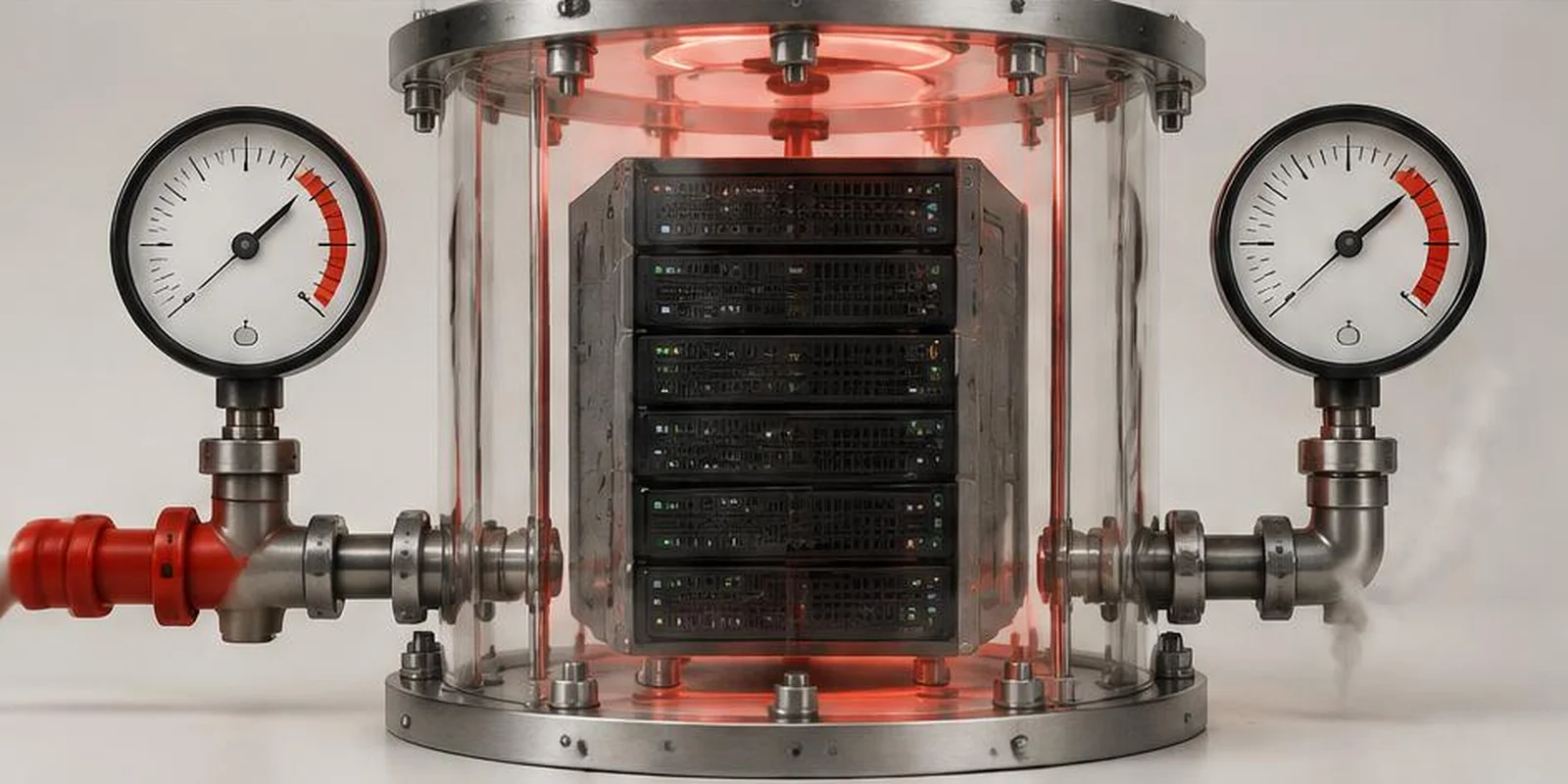
Functional testing asks: does it work? Performance testing asks: does it work under pressure? Both matter. Only one is usually skipped.
Performance bugs are the silent killers of good products. The app works beautifully in dev with 10 users. Then marketing drives 10,000 users, and the site crashes.
The three types of performance testing
Load testing — Simulates expected peak traffic. Confirms the system handles it without degradation.
Stress testing — Pushes beyond expected peak to find the breaking point.
Soak testing — Runs moderate traffic for hours/days to find leaks and slow failures.
Metrics that actually matter
Throughput — Requests per second
Response time (P50, P95, P99) — Not averages
Error rate — % of requests that fail under load
Concurrency — Simultaneous users handled
Resource usage — CPU, memory, DB connections at load
Recovery time — Return to baseline after traffic drops
Skip "average response time" — it hides the P99 experience.
Tooling
k6 — Modern, developer-friendly. Our recommendation for most teams.
JMeter — Mature, feature-rich. Steeper learning curve.
Lighthouse — Frontend performance (different category).
Locust — Python-based.
Gatling — Scala-based.
How to run performance tests
- Define your target: expected peak traffic + response time SLO
- Build realistic scenarios (full user journeys, not single endpoints)
- Baseline at low traffic
- Load test at expected peak
- Stress test beyond peak
- Soak test for durability
- Monitor everything
What we typically find
- Database queries that scale linearly
- Missing indexes causing slow queries
- Connection pool exhaustion
- Memory leaks that surface after hours
- Third-party APIs that throttle unexpectedly
- N+1 query patterns in ORMs
None of these show up in functional testing.
When to run performance tests
Before major launches — Non-negotiable
- After infrastructure changes
- After scaling milestones
- Continuously in production (synthetic monitoring)
Common mistakes
- Testing single endpoints instead of full journeys
- Skipping soak testing
- Not testing from realistic locations
- Ignoring third-party API limits
- Testing in dev instead of production-like environments
Key takeaways
- Load, stress, and soak testing are all required
- Track P95 and P99, not averages
- k6 is the best starting point for most teams
- Test full user journeys, not single endpoints
- Run before launches, after infra changes, and continuously
Further reading
About the author
Senior QA Engineer →Senior QA Engineer · Quality Assurance Labs