Usability Testing — Watch Real Users, Not Test Scripts
Users don't file usability bugs. They just leave. The friction that frustrates them never reaches your bug tracker — it just shows up as churn. Here's how to run usability testing that catches the bugs automation can't.
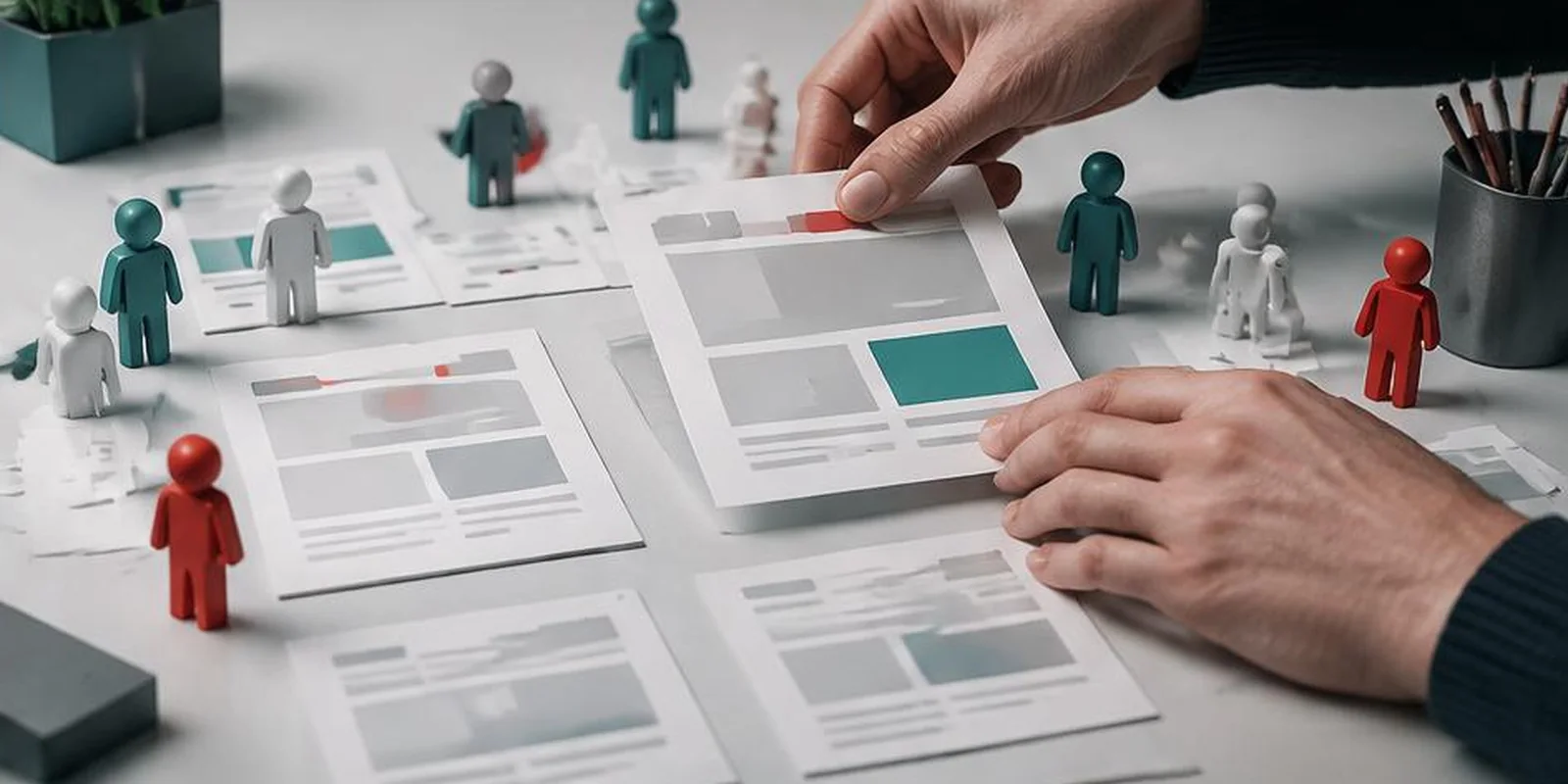
Usability bugs are invisible to normal testing. The button works — it just isn't where users expect it. The flow completes — it just takes 3x longer than it should.
None of these show up in functional tests. None appear in automated regression. They only surface when a real human tries to use your product for a real task.
What usability testing actually tests
Findability — Can users find the feature?
Clarity — Do they understand what to do next?
Efficiency — How many steps does it take?
Error recovery — What happens when they make a mistake?
Trust — Do they feel confident completing the task?
Moderated vs unmoderated
Moderated: researcher watches + asks questions. Highest quality.
Unmoderated: user completes tasks alone, screen + voice recorded. Scalable.
How to run a session
Define the task — "sign up and connect payment" not "test signup"
- Recruit real users matching your base
- Give them the task, not instructions
- Stay silent — the struggle is the data
- Record everything (screen, voice, expression)
- Ask non-leading questions after
What we typically find
- Buttons that don't look clickable
- Forms with unnecessary fields
- Confusing error messages
- Missing confirmation feedback
- Internal naming used in UI
Metrics to track
- Task success rate
- Time on task
- Error rate
- Satisfaction score
- Think-aloud friction
When to run usability testing
- Before major changes
- After new features ship
- When metrics decline without obvious cause
- During redesigns
- Quarterly
Common mistakes
- Testing colleagues instead of real users
- Leading users toward the "right" answer
- Skipping recruitment screening
- Not recording sessions
- Ignoring findings
Key takeaways
- Usability bugs don't show in functional testing
- Watch real users attempt real tasks — don't guide them
- Mix moderated (deep) and unmoderated (scalable)
- Track task success, time, and error rate
- Run usability testing quarterly, not once
Further reading
About the author
Senior QA Engineer →Senior QA Engineer · Quality Assurance Labs